Contribute to the Solar System
Who can contribute?
Anyone can contribute, there is no need to have prior crafting experience.
Tekhnē-cal Village has planet-making supplies and crafting space available; there will be numerous drop-in workshops throughout the weekend for different crafts, as well as instructions available for self-guided crochet learning. Feel free to ask anyone you see there for help too!
How do I add to the Solar System?
Create a planet
Each planet should be less than 30 cm diameter and light and soft enough not to hurt you if it fell on your head.
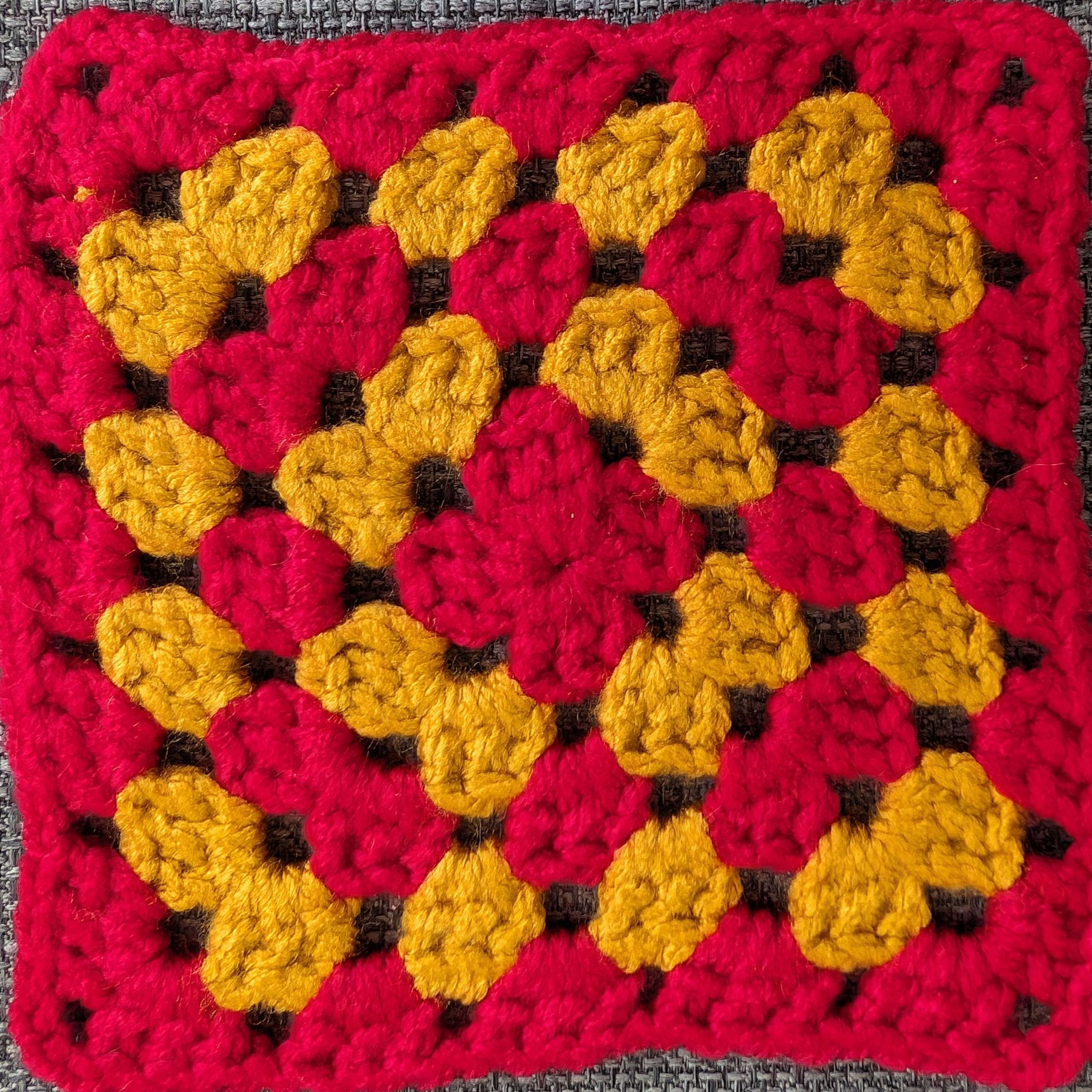
Aside from these constraints, the design and colour(s) of the planet are up to you! It can be as simple or as complicated as you like, and you can use any technique to make it. Check out Crafting Patterns for inspiration, or search the internet for more ideas.
Catalogue your planet online
The solar system can be viewed online as well as in real life! Please help us keep it up to date by adding your planet to the catalogue.
Take a photo of your planet, and crop it so that:
- the image is square (aspect ratio 1:1)
- the edges of the image are cropped as close as possible to the planet without cutting parts of it off.
When you have a photo ready, visit the Submit a Planet page. Upload your image, and fill out the information. You’ll be asked to come up with a name for your planet as well as a fun fact about it. You can also add your name (or a pseudonym) if you are happy to be publicly listed as the “discoverer” of the planet.
Add your contribution to the Solar System
Bring your planet to the Arts tent and hang it in the space. Make sure to add a physical tag to your planet with its name to help other people look it up on the website!
If you didn’t already, make sure you have added your square to the online catalogue, so we can keep the online Solar System in sync with the real one.
Share it online!
Please share pictures of your planet and/or the whole solar system online and encourage others to visit!
FAQ
Can I make multiple planets?
Yes!
How long will it take to make a planet?
Crochet
If you’re new to crochet: allow 1-2 hours (time depends on your learning pace).
If you know how to crochet: allow 20 min-1 hour (time depends on your choice of pattern).
These are lower bounds - you can choose to spend longer than this to make something more complex!
Pom-poms
Allow 20 min-1 hour (time depends on your choice of pom-pom size & yarn)
Other crafts
Allow at least 20 min.
Where can I get yarn?
There is plenty of yarn in Tekhnē-cal Village that anyone is free to use. At the end of the weekend you may also be able to take some home with you - keep an eye on Mastodon for announcements.
Will there be helpers at the village?
There will not be people present at every hour of the day, but there is likely to be someone there much of the time. Call the village phone on 8563 (TKNE) to find out if someone’s there. You can also call Eli , the solar system organiser, on 9276 (YARN).
Extra help
- Contact Eli if you’re interested in helping keep things organised.
- Hang out in Tekhnē-cal Village if you’d like to help others make contributions.
Advance contributions
You are welcome to make a planet (or planets) ahead of EMF and bring it to the Arts tent after you arrive.
Crochet/knitting contributions
Tekhnē-cal Village will have instructions available for self-guided crochet learning - drop in any time! The village has a stash of DK and chunky yarn that anyone can use (note this is separate to the stash swap table that’s also present in the village, please don’t take the blanket supplies away with you!)
If the typical crochet/knitting techniques are difficult for you, ask a villager for help. We can offer advice, adaptive tools, and alternative techniques, such as:
- different ways to tension your yarn or hold your hook/needles
- thick foam handles to make holding a crochet hook easier
- knitting looms
- finger knitting